
Communication
Campaigns
A campaign sends one email to a list of recipients and then tracks what happened to it. Where My Email is one-to-one correspondence, campaigns are one-to-many: a newsletter, a product announcement, a re-engagement push.
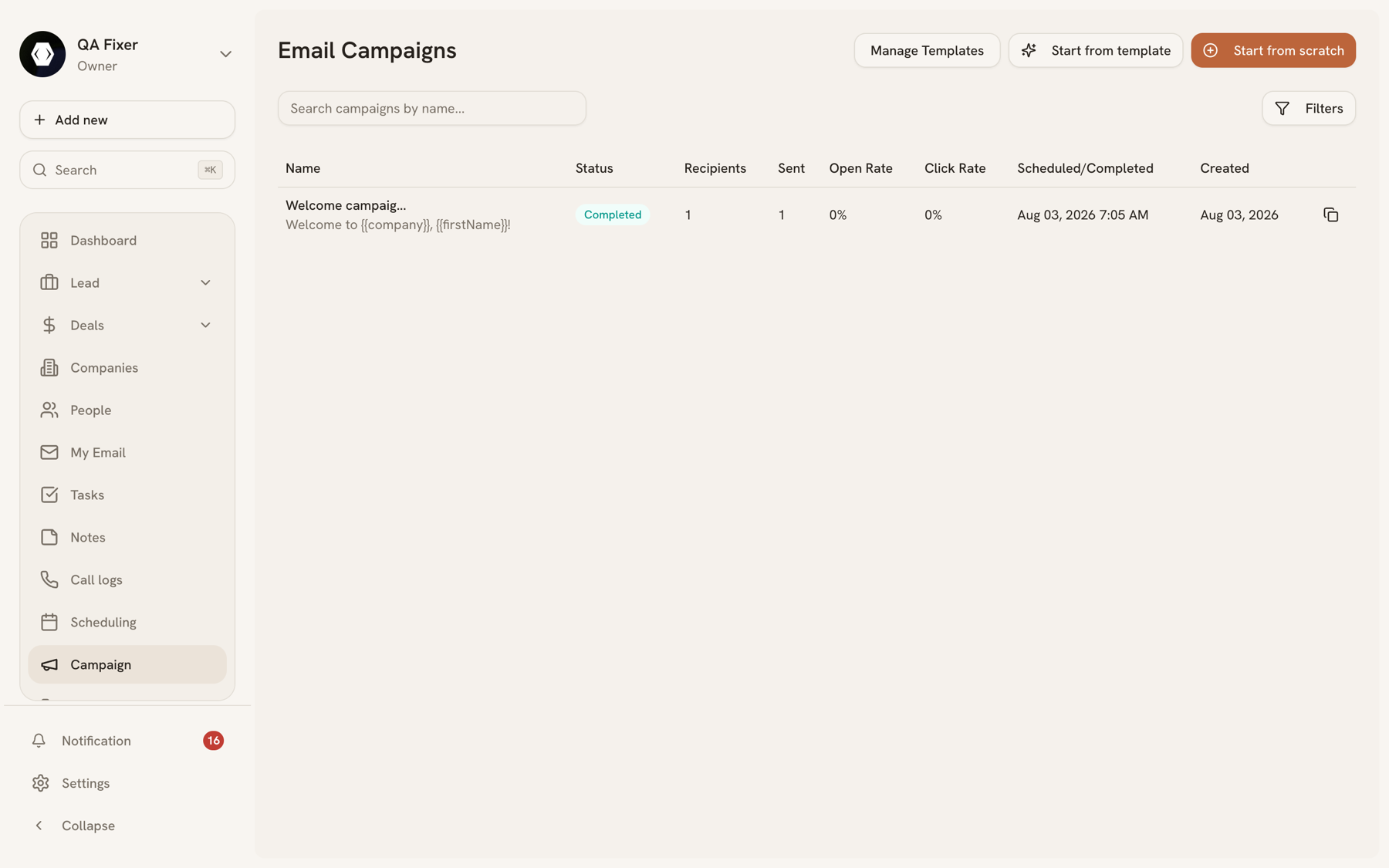
Campaign types#
| Type | Use |
|---|---|
| Newsletter | Regular sends to a subscribed audience. |
| Promotional | One-off offers and announcements. |
| Drip | A sequence delivered over time. |
| Transactional | Triggered, per-recipient mail rather than a broadcast. |
Statuses#
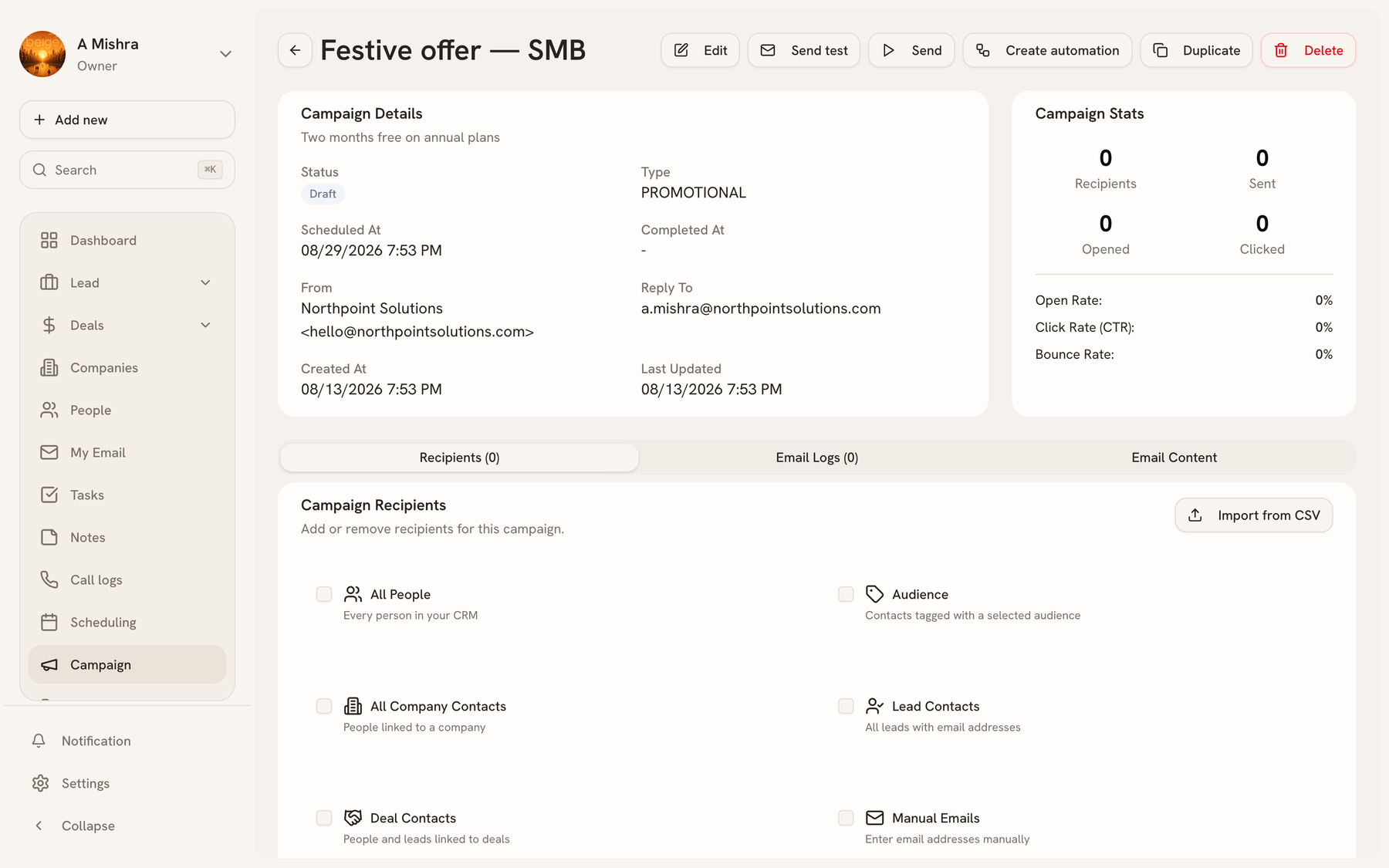
A campaign moves through: Draft → Scheduled → Sending → Completed. Two other states can interrupt that: Paused (you stopped it mid-send and can resume) and Cancelled. A campaign that fails to send lands in Failed.
You can edit a campaign while it's in Draft or Scheduled. Once it's sending, editing is closed — the only controls are pause and resume.
Building and sending#
A campaign needs a name, a subject, a from address and reply-to, the audience, and the body. Before the real send, Send test delivers a copy to an address you choose so you can see it in a real client rather than a preview pane.
What gets tracked#
Once sending starts, the campaign page reports recipients, sent, opened, and clicked, with open rate, click rate, and bounce rate derived from those.
If some recipients fail, Retry Failed re-attempts only those, rather than resending to everyone who already received it.
Duplicating#
Duplicate copies a campaign's content and settings into a fresh draft — the usual way to run a monthly newsletter without rebuilding it each time.
Last updated 2026-08-14