
Communication
Scheduling
Scheduling replaces the "what time works for you?" thread. You define what a meeting is and when you're available; the other person picks a slot from a public link; the appointment lands in the CRM attached to the record it belongs to.
The module has three tabs: Appointments, Event Types, and Availability.
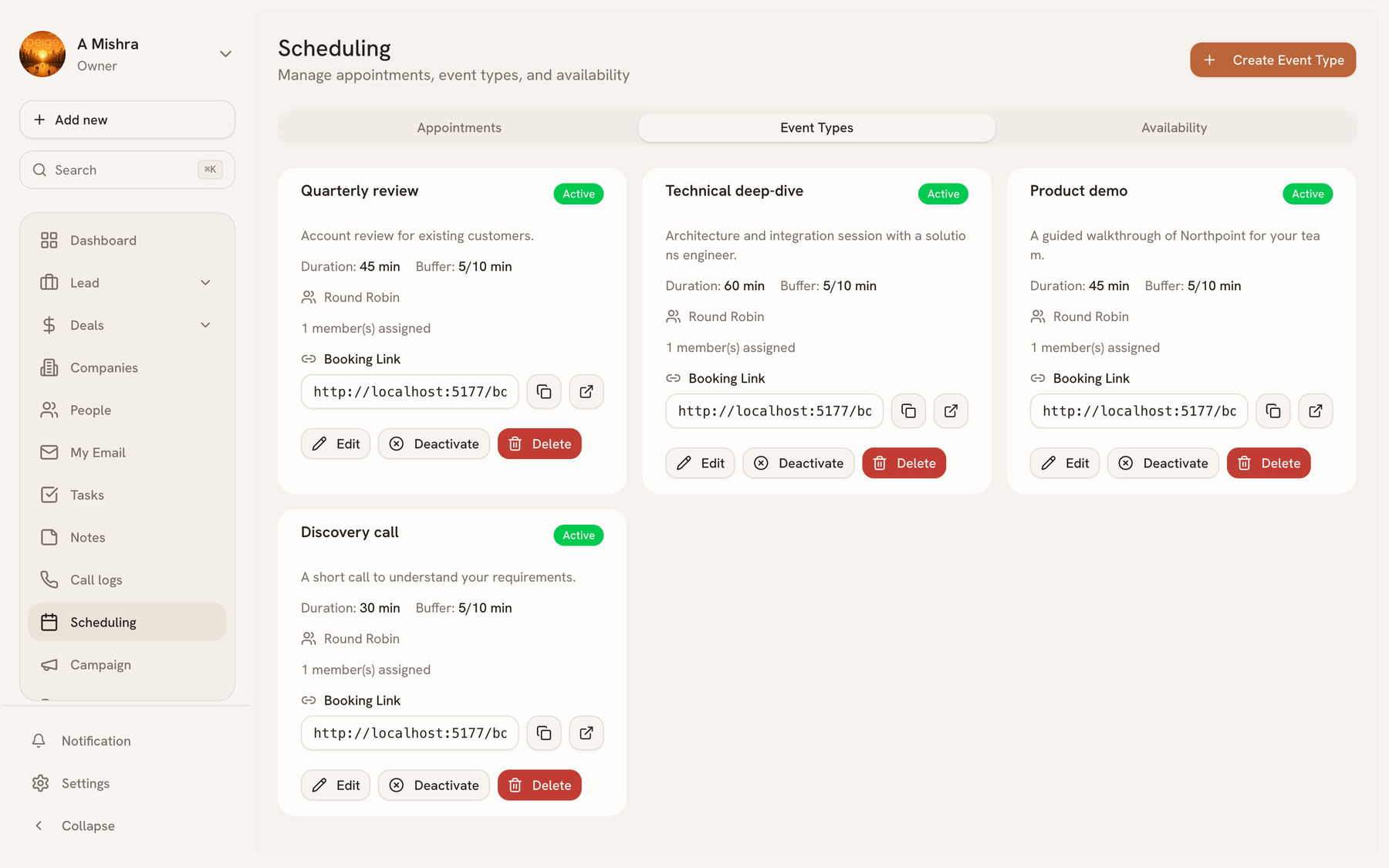
Event types#
An event type is a kind of meeting — "Discovery call, 30 minutes", "Contract review, 60 minutes". Each carries:
- Duration — between 5 minutes and 8 hours
- Buffers — padding before and after, so back-to-back bookings don't collide
- Assignment — Round robin across a group, or a named member
- Active / inactive — inactive types stop accepting bookings without being deleted
Every active event type has a booking link. Copy it, or open it in a new tab to see exactly what the invitee sees.
Availability#
Availability is when you can be booked — your working hours, per day. Slots are offered only inside those windows, minus anything already booked and minus your buffers.
Appointments#
Bookings appear on the Appointments tab. Because scheduling knows who booked, an appointment can be attached to the lead or person it belongs to, so the meeting shows up in that record's history rather than only in a calendar.
An appointment booked event can also start an automation — confirmations, follow-up tasks, or a nudge to whoever owns the account. See Automations.
Last updated 2026-08-14