
Automation
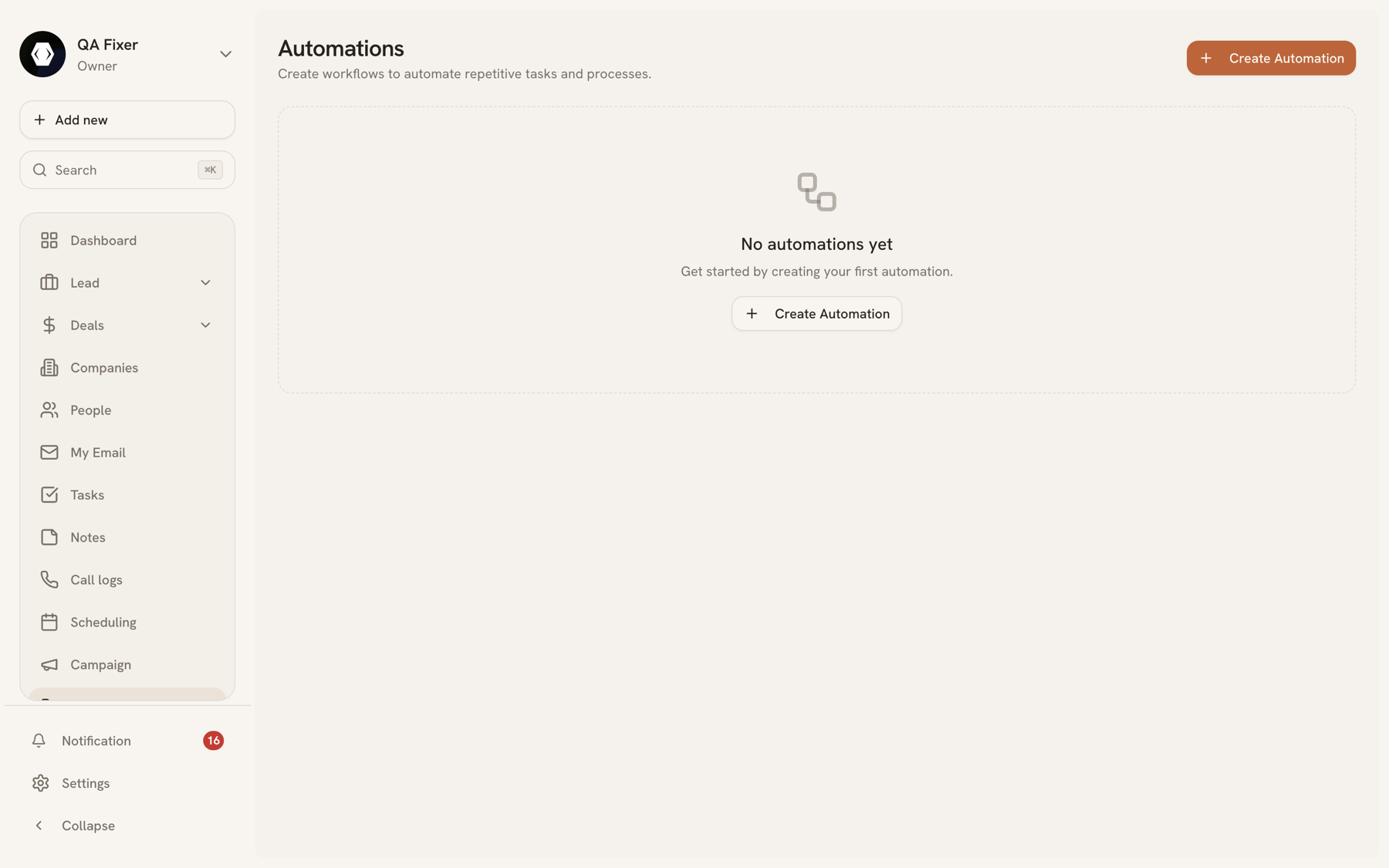
Automations
An automation is a rule that watches for something happening and then does something about it: a form comes in, so create a lead, assign it, and notify the owner. It's the part of the product that does the work nobody remembers to do at 6pm on a Friday.
Each automation is a trigger plus one or more actions, built on a canvas.
Triggers#
| Trigger | Fires when |
|---|---|
| When form is submitted | Someone completes one of your forms. |
| When lead is created | A lead arrives, from any source. |
| When lead status changes | A lead's status field changes. |
| When lead stage changes | A lead moves between pipeline stages. |
| When deal is created | A new deal is added. |
| When deal stage changes | A deal moves between stages. |
| When deal is won | A deal reaches your won stage. |
| When deal is lost | A deal reaches your lost stage. |
| When contact is created | A person is added. |
| When task is completed | Someone finishes a task. |
| When appointment is booked | A booking comes through scheduling. |
| When email is received | Inbound mail arrives. |
| Manual trigger | You run it yourself against a record. |
Actions#
| Action | Effect |
|---|---|
| Create lead | Adds a lead from the trigger's data. |
| Update lead | Changes fields on the lead that triggered the run. |
| Create deal | Opens an opportunity. |
| Create task | Assigns follow-up work. |
| Add tag | Tags the record. |
| Assign owner | Routes the record to a team member. |
| Send email | Sends a templated message. |
| Send notification | Alerts someone in the app. |
| Add to campaign | Drops the contact into a campaign audience. |
| Send webhook | Posts to an external URL. |
Building one#
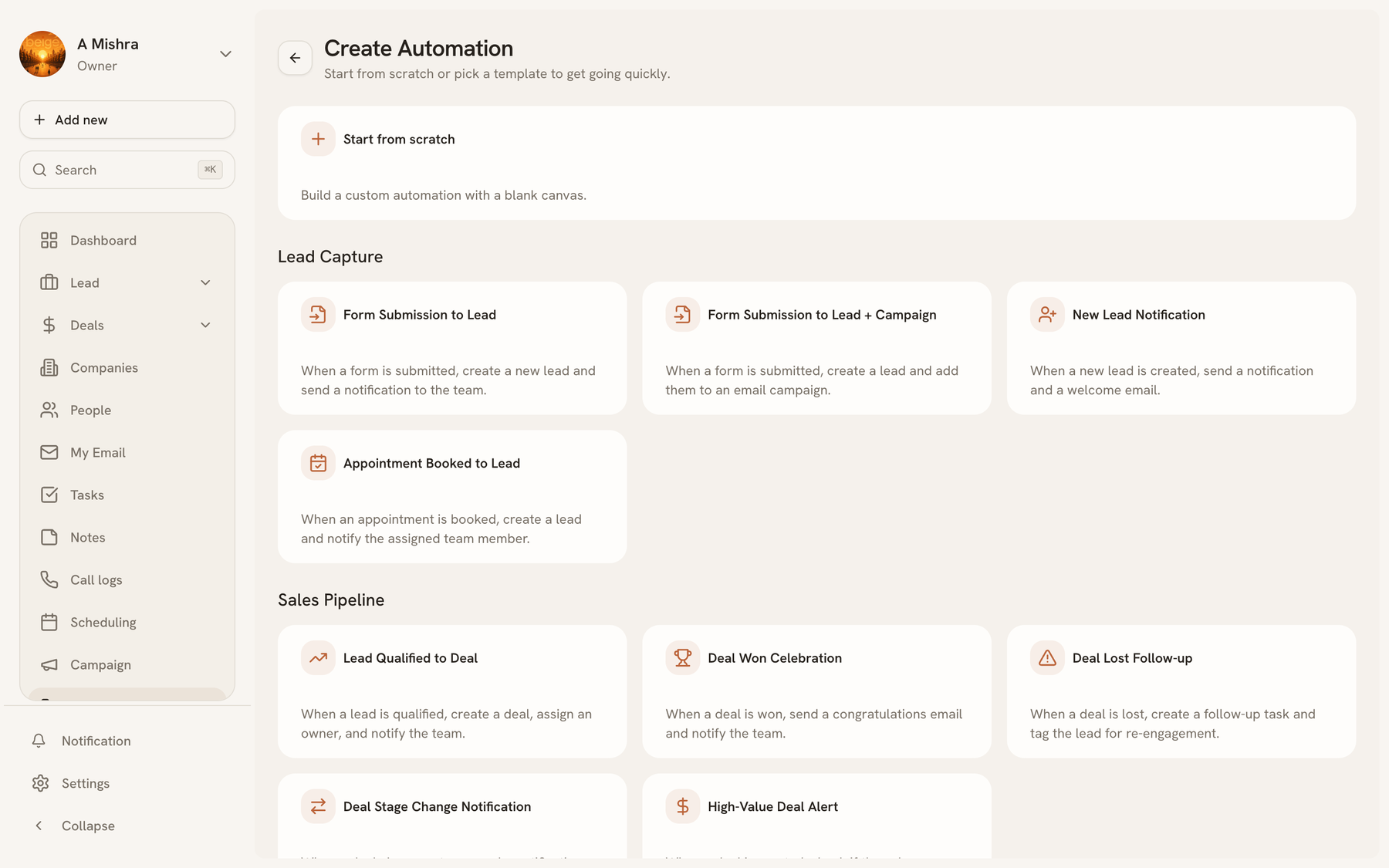
Create automation offers two starting points: pick a template for a common pattern, or start from scratch by choosing a trigger and building the canvas yourself. Templates are grouped by what they do — Lead Capture, Sales Pipeline, and so on.
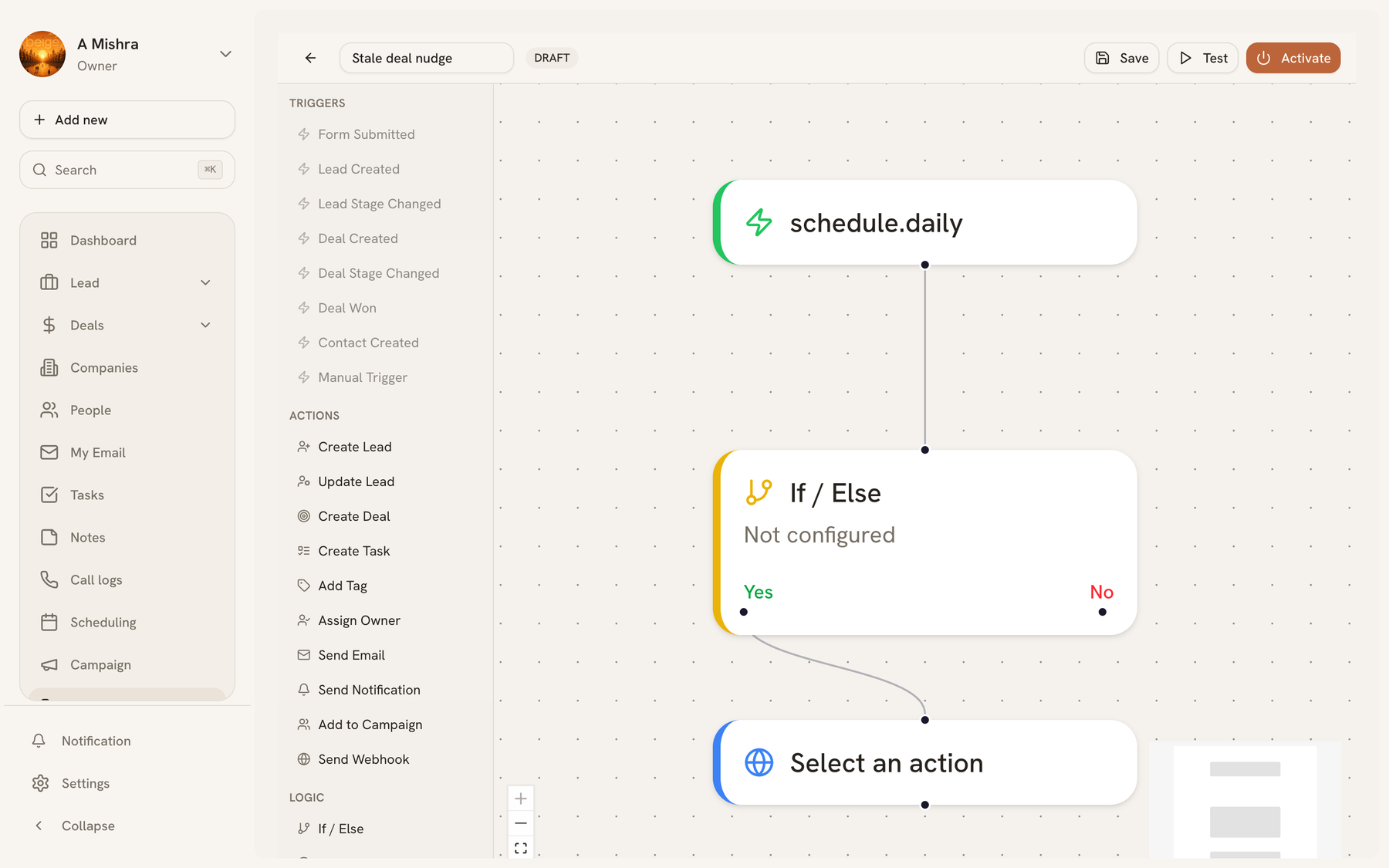
Both land you in the editor, where you add action nodes after the trigger and configure each one. A lead created by an automation records which automation produced it, so the source column on your Leads list tells you the workflow's name rather than just "Automation".
Checking what ran#
Each automation has an executions view: every run, when it fired, and whether it succeeded. That's the first place to look when something didn't happen — usually the trigger never fired, rather than the action failing.
Last updated 2026-08-14