
Daily work
Tasks
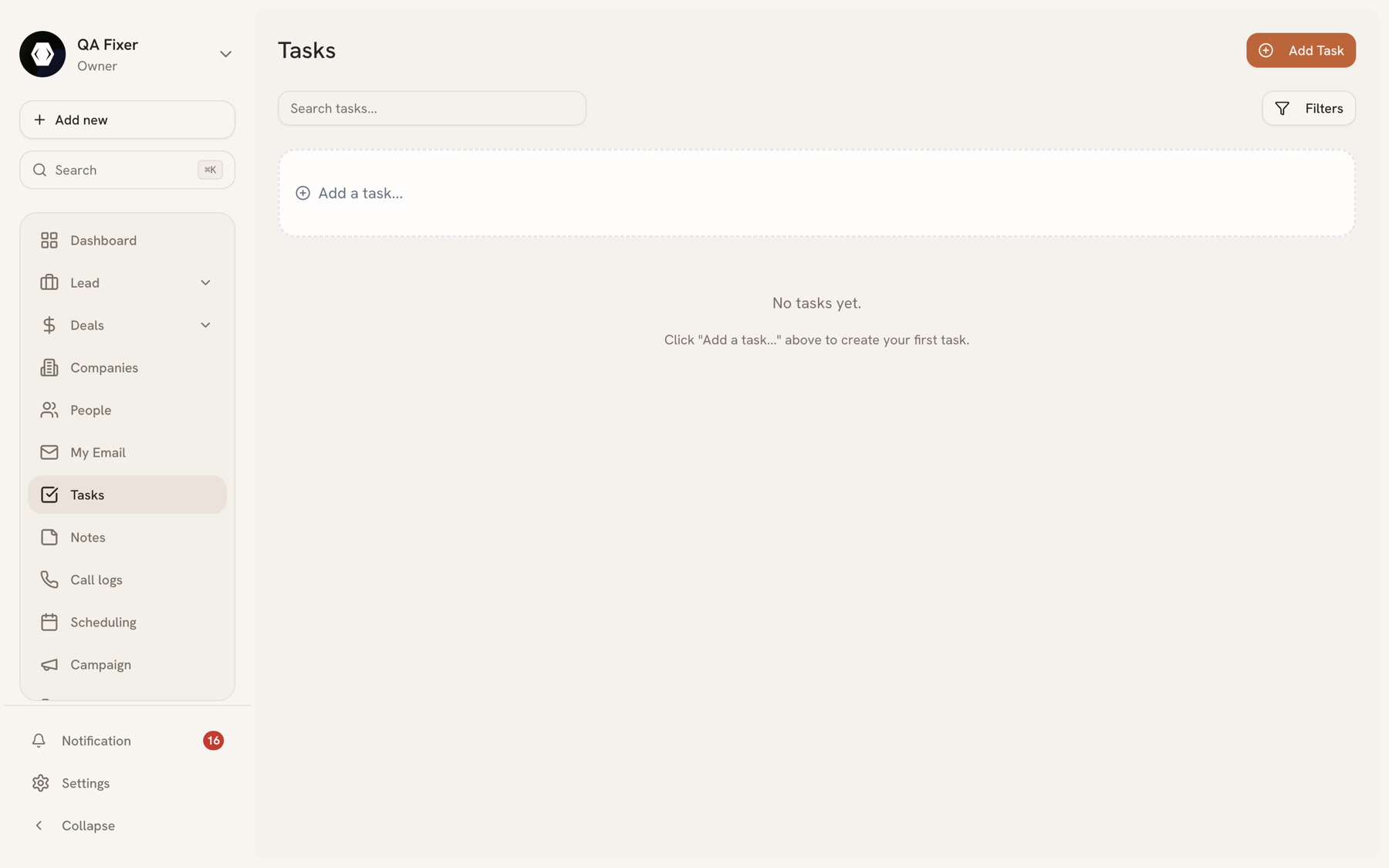
A task is a piece of follow-up work — call this person back, send that proposal, chase the signature. Tasks can stand alone, but they're most useful attached to a record, because then the work and its context live together.
A task can be linked to a person, lead, deal, or company.
Status and priority#
Every task carries both:
Status — Pending, In progress, Completed, or Cancelled. New tasks start as Pending.
Priority — Low, Medium, High, or Urgent. New tasks default to Medium.
The two are independent: an urgent task can sit in Pending, which is exactly the state worth surfacing on a Monday morning.
My tasks#
View List down to what needs you:
- My tasks — everything assigned to you, regardless of which record it hangs off
Task completion also feeds the gauge on your Dashboard.
Creating tasks#
From the Tasks page, or from Create Task in the Quick Actions of any lead, person, deal, or company — the second route pre-links the task, which is usually what you want.
Automations can create tasks too, which is how "when a deal reaches Negotiation, remind the owner to send the contract" works without anyone remembering — see Automations.
Bulk actions#
Select several tasks to delete them or change their status in one pass — useful for closing out a batch of completed follow-ups at the end of a week.
Last updated 2026-08-14