
Daily work
Notes
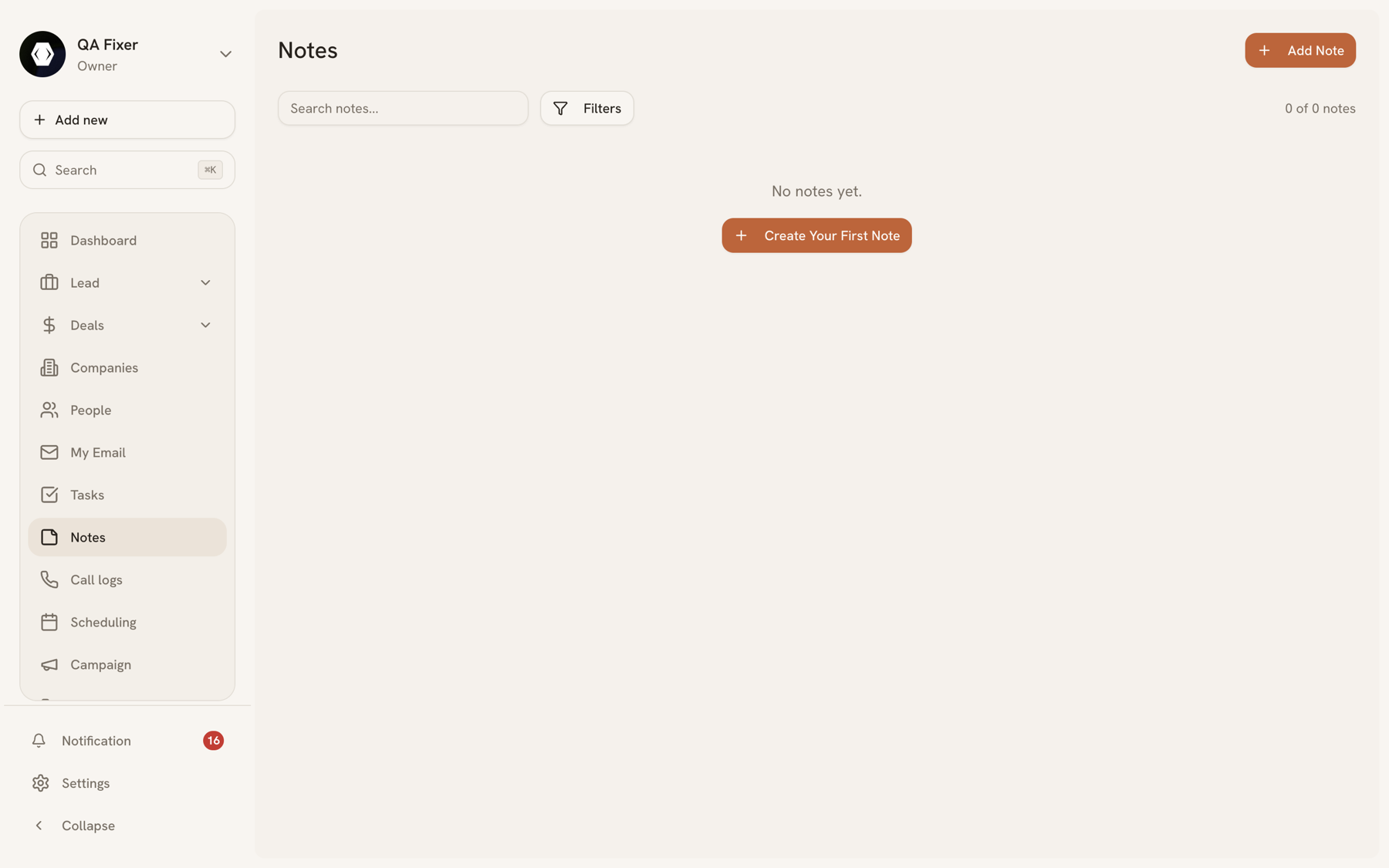
A note is written context: what was discussed on the call, what the buyer actually cares about, why the deal slipped a month. Notes attach to a person, lead, deal, or company and appear on that record's Notes tab.
Why notes rather than a field#
Structured fields answer questions you knew to ask. Notes hold everything else — and on a deal that runs six months, that's usually what decides whether the next person to pick it up can carry the conversation.
Notes also feed lead scoring: a note is worth 2 points of engagement, capped at 6, on the grounds that a rep bothering to write something down is weak evidence of a real conversation. See lead scoring.
Writing a note#
From the Notes page, or Create Note in the Quick Actions of any record. The second route links it automatically.
Notes are listed newest first and can be edited or deleted by anyone in the organization with access to the record.
Last updated 2026-08-05